> ## Documentation Index
> Fetch the complete documentation index at: https://docs.tradealpha.app/llms.txt
> Use this file to discover all available pages before exploring further.
# Common Questions
> Quick answers on trading, orders, the app, and troubleshooting. If it is not here, contact support.
New to the terms? See the [Glossary](/faq/glossary).
## Trading
### What is the difference between long and short?
**Long** profits if the price goes up. **Short** profits if the price goes down. You can do either on every market.
### How much leverage can I use?
Up to **50x**, set per trade. Some markets have a lower maximum; the market screen shows it.
### When can I trade?
24 hours a day, 7 days a week, on every market. Stock and index markets stay open on Alpha when the underlying exchanges are closed.
### Is Alpha a broker? Do I own the stock?
No. You are trading a contract that tracks the price. You do not own shares, get dividends, or have voting rights. See [Perpetual futures](/faq/perpetual-futures).
### What is the minimum trade?
The app shows the minimum position size on each market. The minimum deposit is 5 USDC.
### What order types are there?
Market, limit, take profit, and stop loss. See [Placing an order](/get-started/placing-an-order).
### Can I change the leverage on an open position?
Only downward. Adding margin lowers your effective leverage; margin cannot be removed from an open position, so leverage cannot go up. Adding to the position uses the original leverage. To trade at a higher multiplier, close and reopen. See [Editing an order](/get-started/editing-an-order).
### Why is the price on Alpha slightly different from my brokerage app?
Alpha prices are set by supply and demand for the contract, not by a stock exchange. They track the real price closely and the leverage fee pulls them back if they drift. Gaps are largest when the underlying exchange is closed and Alpha is still trading.
### I placed the wrong order. Can I cancel?
A limit order that has not filled: yes, from **Portfolio**. A market order fills instantly and cannot be cancelled, but you can close the position immediately.
### I see a position I do not recognize
Check **Activity** for recent fills. If you did not open it, secure the Google, Apple, or email account you sign in with and [contact support](/faq/contact-support) right away.
## Managing a position
Open any position from **Portfolio** to manage it.
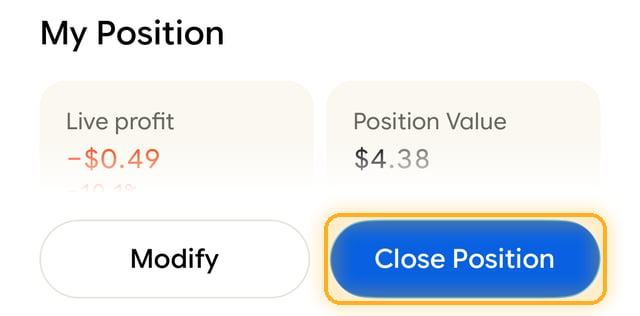
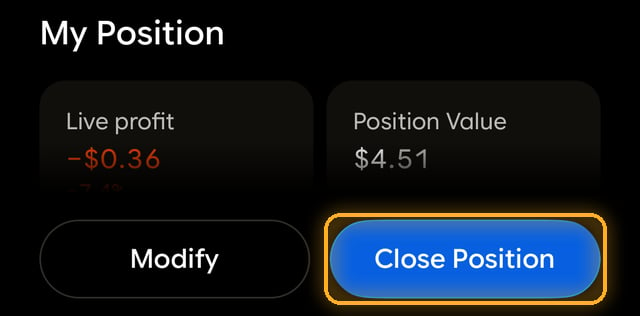
### How do I close a position?
Tap **Close Position**. You can close all of it or part of it. See [Closing an order](/get-started/closing-an-order).
 ### Can I modify an open trade?
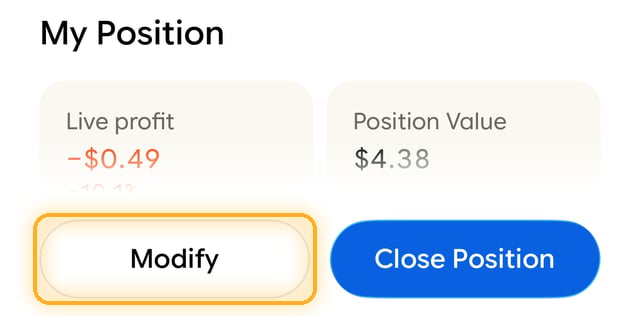
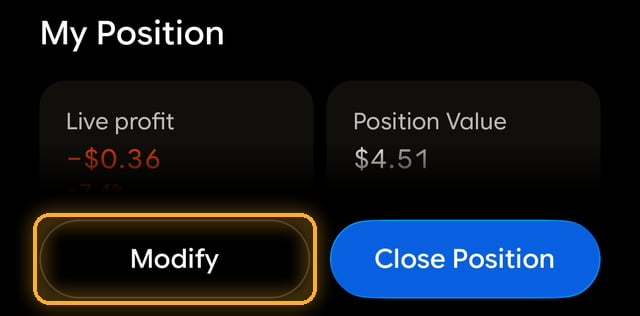
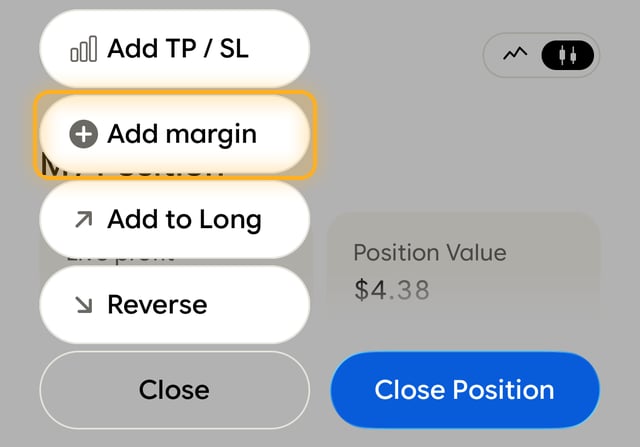
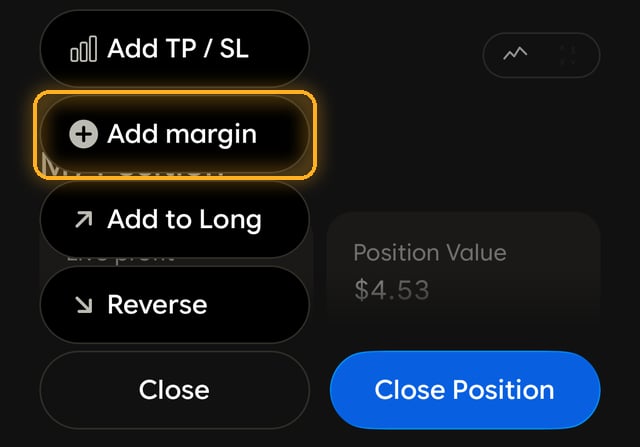
Yes. Tap **Modify** to add or change a take profit or stop loss, add margin, add to the position, or reverse it. You cannot change the entry price. See [Editing an order](/get-started/editing-an-order).
### Can I modify an open trade?
Yes. Tap **Modify** to add or change a take profit or stop loss, add margin, add to the position, or reverse it. You cannot change the entry price. See [Editing an order](/get-started/editing-an-order).
 ### How do I add margin?
Tap **Modify**, then **Add margin**. Adding margin uses your available balance and moves your liquidation price further away. Margin cannot be removed from an open position; close part of it instead.
### How do I add margin?
Tap **Modify**, then **Add margin**. Adding margin uses your available balance and moves your liquidation price further away. Margin cannot be removed from an open position; close part of it instead.
 ### How do I set a take profit or stop loss?
Tap **Add TP/SL** when you open a position, or later from **Modify**. Take profit locks in gains at your target; stop loss caps losses. Both trigger on the mark price and close the position at market once it reaches your level.
### What do I lose if I get liquidated?
At most, the margin backing that position. Your other positions and your available balance are untouched. The position is closed at market, and any margin left above the maintenance level is returned to your balance. Only in extreme markets, when a backstop has to take the position over, is the remaining margin not returned. There is no liquidation fee. See [Liquidations](/faq/liquidations).
### How do I reverse my position?
Tap **Modify**, then **Reverse**. It closes your position and opens the same size in the other direction at market price, in one step.
### Why did my order not fill?
* **Limit order:** the market never reached your price.
* **Market order:** not enough liquidity at that moment (rare).
* **Not enough balance:** your available balance could not cover the margin and fees for that size.
## Account and profile
### Do I need to verify my identity?
Only if you win a trading competition and are due a prize. See [Competitions and payouts](/faq/competitions).
### Can I change my username?
Yes, any time from **Profile**. Your username appears on the leaderboard, in competitions, and on shared PnL cards.
### Can I hide my positions from my profile?
Public profiles show open positions and performance by design; that is what makes Alpha social. If you have a specific privacy concern, [contact support](/faq/contact-support).
### Can I have more than one account?
No. Duplicate accounts are closed and competition winnings forfeited.
## Funds
### Where are my funds held?
In a wallet only you control. See [Security](/faq/security).
### Why can't I withdraw my whole balance?
Margin in open positions is not withdrawable. Close positions to free it. See [Portfolio balance](/faq/portfolio-balance).
### Can I withdraw to my bank?
Not yet. Bank cash-out is coming soon. Today, withdrawals go to a USDC wallet address on Arbitrum. See [Withdrawals](/get-started/withdrawals).
## Troubleshooting
### The app will not load or keeps crashing
1. Close and reopen the app.
2. Update to the latest version from the App Store or Google Play.
3. Check your connection.
4. Restart your phone.
5. Reinstall. Your funds are tied to your login, not the device.
### I cannot sign in
* Use the same method you signed up with (Google, Apple, or email). A different method may open a different, empty account.
* For email, request a new code; codes expire quickly.
* New phone? Just sign in with your usual method.
### My deposit or withdrawal has not arrived
See [Adding funds](/get-started/adding-funds) and [Withdrawals](/get-started/withdrawals). If it has been longer than the times listed there, [contact support](/faq/contact-support) with the transaction ID from **Activity**.
### My trade did not execute
Check **Activity** for the order status. Common causes: a limit price that has not been reached, or not enough available balance to cover margin and fees.
This documentation is built and hosted on [Mintlify](https://mintlify.com), a developer documentation platform.
### How do I set a take profit or stop loss?
Tap **Add TP/SL** when you open a position, or later from **Modify**. Take profit locks in gains at your target; stop loss caps losses. Both trigger on the mark price and close the position at market once it reaches your level.
### What do I lose if I get liquidated?
At most, the margin backing that position. Your other positions and your available balance are untouched. The position is closed at market, and any margin left above the maintenance level is returned to your balance. Only in extreme markets, when a backstop has to take the position over, is the remaining margin not returned. There is no liquidation fee. See [Liquidations](/faq/liquidations).
### How do I reverse my position?
Tap **Modify**, then **Reverse**. It closes your position and opens the same size in the other direction at market price, in one step.
### Why did my order not fill?
* **Limit order:** the market never reached your price.
* **Market order:** not enough liquidity at that moment (rare).
* **Not enough balance:** your available balance could not cover the margin and fees for that size.
## Account and profile
### Do I need to verify my identity?
Only if you win a trading competition and are due a prize. See [Competitions and payouts](/faq/competitions).
### Can I change my username?
Yes, any time from **Profile**. Your username appears on the leaderboard, in competitions, and on shared PnL cards.
### Can I hide my positions from my profile?
Public profiles show open positions and performance by design; that is what makes Alpha social. If you have a specific privacy concern, [contact support](/faq/contact-support).
### Can I have more than one account?
No. Duplicate accounts are closed and competition winnings forfeited.
## Funds
### Where are my funds held?
In a wallet only you control. See [Security](/faq/security).
### Why can't I withdraw my whole balance?
Margin in open positions is not withdrawable. Close positions to free it. See [Portfolio balance](/faq/portfolio-balance).
### Can I withdraw to my bank?
Not yet. Bank cash-out is coming soon. Today, withdrawals go to a USDC wallet address on Arbitrum. See [Withdrawals](/get-started/withdrawals).
## Troubleshooting
### The app will not load or keeps crashing
1. Close and reopen the app.
2. Update to the latest version from the App Store or Google Play.
3. Check your connection.
4. Restart your phone.
5. Reinstall. Your funds are tied to your login, not the device.
### I cannot sign in
* Use the same method you signed up with (Google, Apple, or email). A different method may open a different, empty account.
* For email, request a new code; codes expire quickly.
* New phone? Just sign in with your usual method.
### My deposit or withdrawal has not arrived
See [Adding funds](/get-started/adding-funds) and [Withdrawals](/get-started/withdrawals). If it has been longer than the times listed there, [contact support](/faq/contact-support) with the transaction ID from **Activity**.
### My trade did not execute
Check **Activity** for the order status. Common causes: a limit price that has not been reached, or not enough available balance to cover margin and fees.
This documentation is built and hosted on [Mintlify](https://mintlify.com), a developer documentation platform.