

Cash used
The money you put up to open a position, also called your margin. It is shown as Cash used on the order screen. It is the most you can lose on that position.Isolated margin
Every position on Alpha has its own margin, kept separate from the rest of your balance. If a position is liquidated, only the margin backing that position is at risk; the rest of your balance is untouched. See Placing an order.Leverage
The multiple applied to your margin to size a position. 10x leverage on 100 USDC of margin opens a 1,000 USDC position. Gains and losses are calculated on the full position, so higher leverage means a smaller price move against you reaches your liquidation price. Alpha offers up to 50x; some markets have a lower maximum.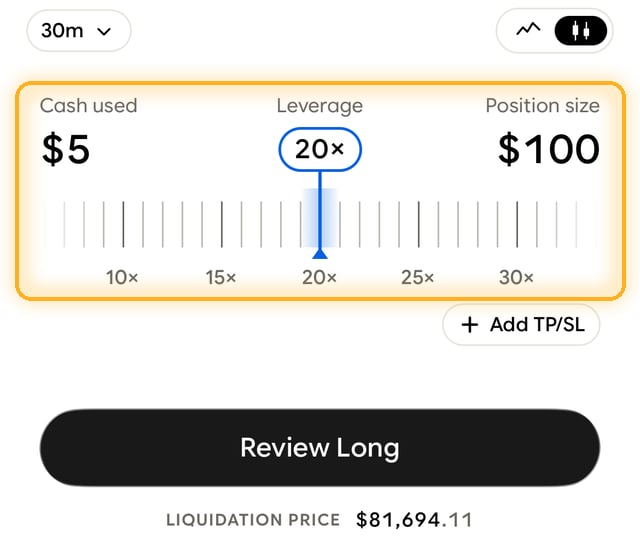
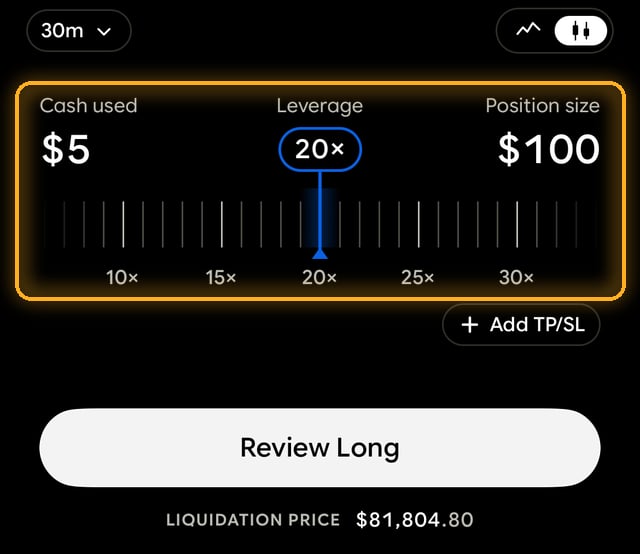
Set leverage with the slider on the order screen. Cash used, leverage, and position size update together.
Leverage fee (funding rate)
A small hourly payment between traders who are long and traders who are short, which keeps a perpetual contract’s price anchored to the real asset. Other platforms call it the funding rate or funding fee. When the rate is positive, longs pay shorts; when it is negative, shorts pay longs. It is paid peer to peer; Alpha does not take any of it. See Leverage fee.Limit order
An order that fills only at the price you set or better. If the market never reaches your price, it does not fill, and you can cancel it from Portfolio while it waits. See Placing an order.Liquidation
The automatic close of a position whose margin can no longer support it. The position is closed at market. You can lose up to the margin backing that position, and nothing else in your account. Any margin left above the maintenance level after the close is returned to your balance; in extreme markets, when a backstop has to take the position over, it is not. There is no liquidation fee. See Liquidations.Liquidation price
The price at which your position is liquidated. Your liquidation price is shown before you confirm a trade and on the position screen, so you can always see how much room you have. Adding margin moves it further away. See Liquidations.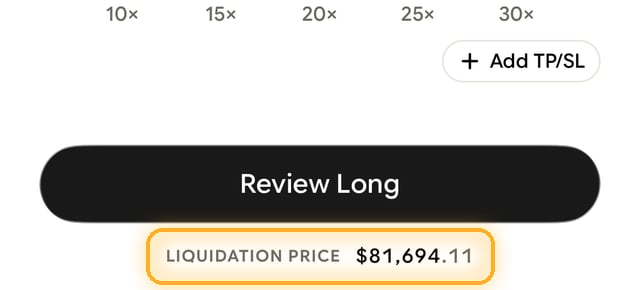
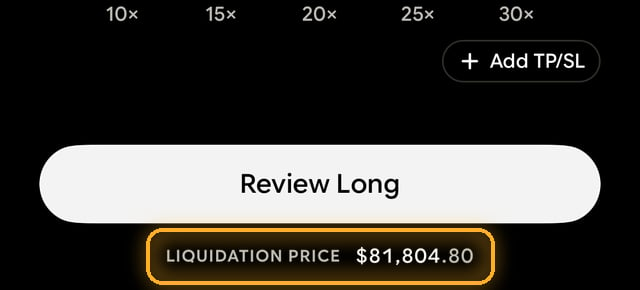
The liquidation price is shown under the review button before you open a position.
Long
A position that profits if the price goes up.Maker and taker
The two kinds of fill that set the exchange part of your trading fee. A taker order fills immediately against orders already on the book, like a market order. A maker order adds liquidity: a limit order that rests on the book before it fills. Maker fills cost less. Every trade also pays Alpha’s flat 0.05% fee, and the total is shown before you confirm. See Fees.Margin
See Cash used.Mark price
The price that triggers liquidations. It blends the real market price with the contract’s order book, so a brief spike in the contract price alone does not liquidate you. See Liquidations.Market order
An order that fills immediately at the best available price. Once filled it cannot be cancelled, but you can close the position straight away.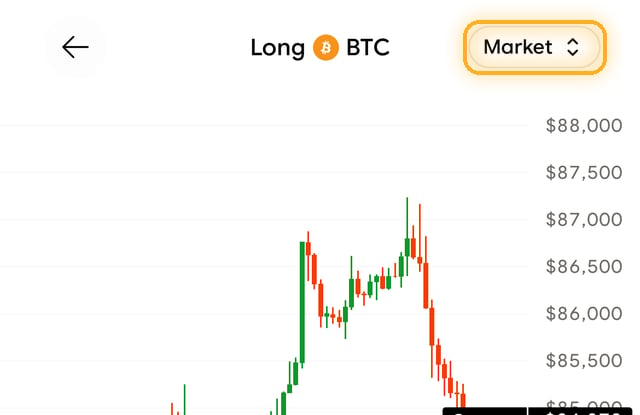
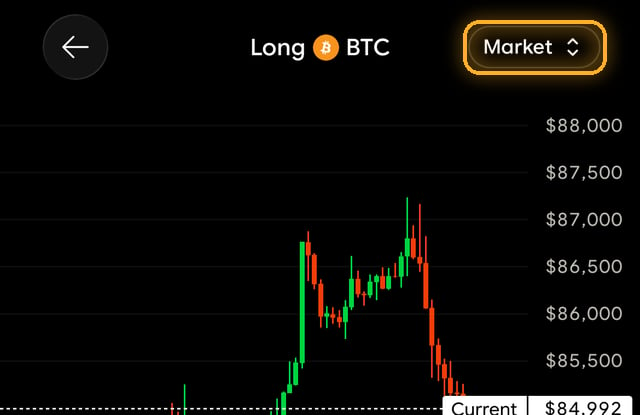
Switch between market and limit with the order type in the top right of the order screen.
Perpetual futures
The contracts you trade on Alpha. A perpetual future tracks an asset’s price and never expires, so you can hold a position as long as your margin covers it. You do not own the underlying asset. See Perpetual futures.Position size
The full value of your position: your margin multiplied by your leverage. Fees and profit or loss are calculated on position size, not on your margin.Realized PnL
Profit or loss that is locked in because you closed all or part of a position. It is added to your balance as soon as the position closes.Reverse
Closes your position and opens one of the same size in the opposite direction at market price, in one step. Find it under Modify on the position screen. See Closing an order.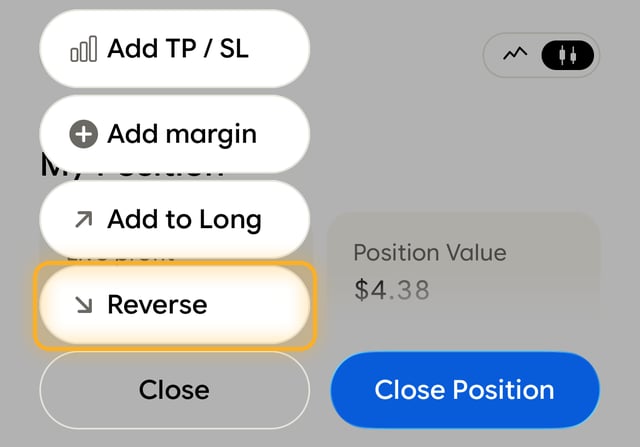
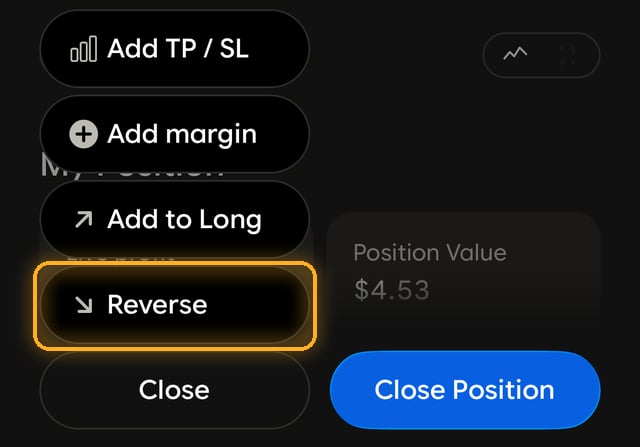
Reverse is in the Modify menu on an open position.
Short
A position that profits if the price goes down.Stop loss and take profit
Prices you set in advance to close a position automatically. A take profit locks in gains at your target; a stop loss caps losses. Both trigger on the mark price and close the position at market once it reaches your level, whether or not you are in the app. Add them with Add TP/SL when opening a position, or later from Modify. See Editing an order.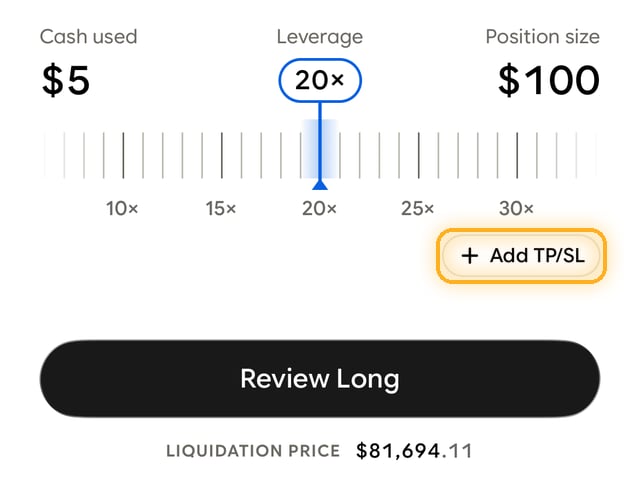
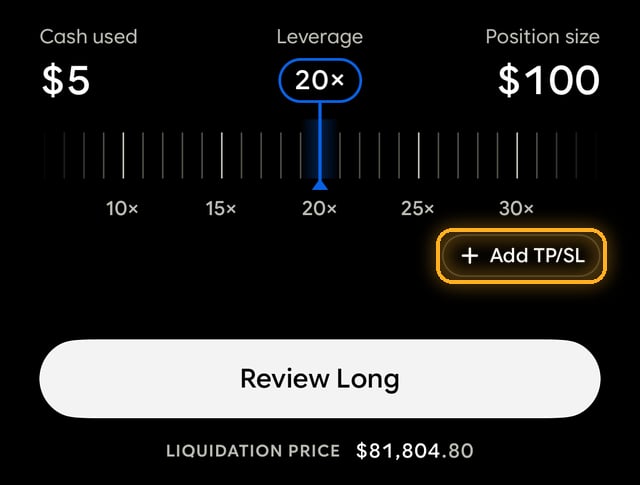
Add TP/SL sits above the review button on the order screen.
Unrealized PnL
The profit or loss on a position that is still open, marked against the live price. In the app it is shown as Live profit. It moves with the market and becomes realized PnL only when you close the position.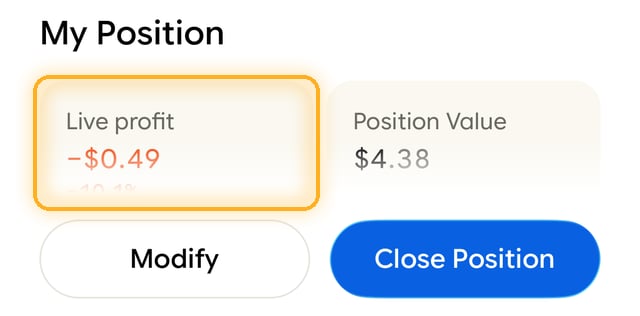
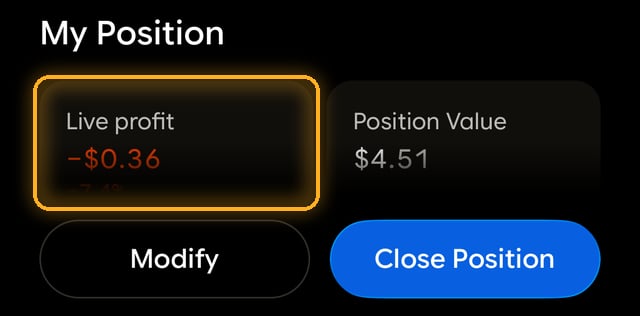
Live profit on the position screen is your unrealized PnL.